



Bluetooth Headset with microphone, Wireless Bluetooth Earpiece for work
- Battery Display Charging Case: The clear digital display allows you to easily monitor the battery level of the charging case, ensuring timely recharging. The earpiece comes with a 500mAh charging case, making it convenient for travel and eliminating the need to frequently search for a charging port. The case also protects the headset from damage and helps prevent loss.
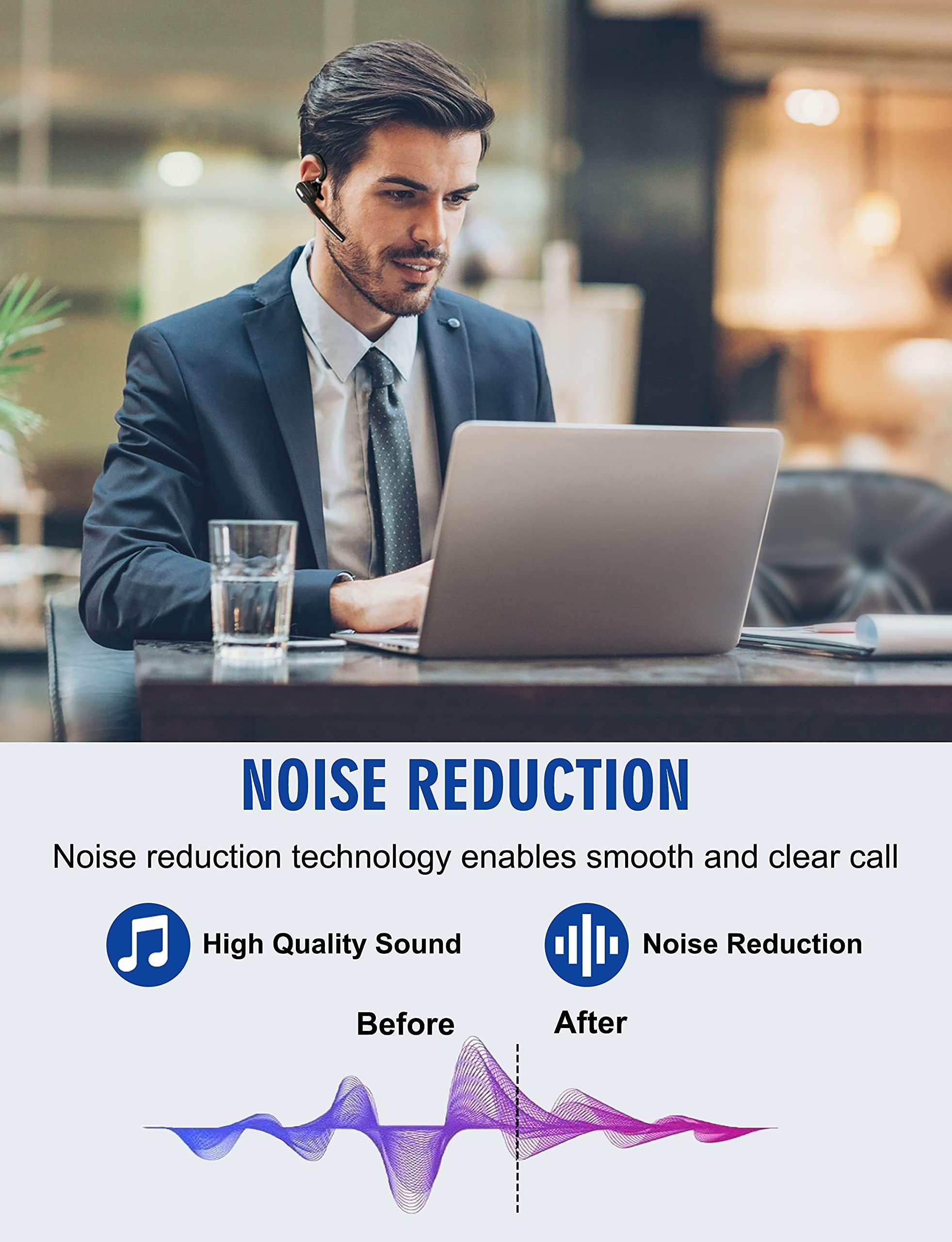
- Bluetooth 5.1 and QCC Chipset: Equipped with a high-performance QCC 3020 chipset. This wireless headset effectively reduces background noise, ensuring your voice comes through clearly during calls. With Bluetooth 5.1 technology, it offers fast and stable connections to iOS and Android smartphones, tablets, laptops, and MP3 players within a range of 33 feet (10 meters). The headset also supports dual-device pairing, allowing seamless switching between two connected Bluetooth devices.
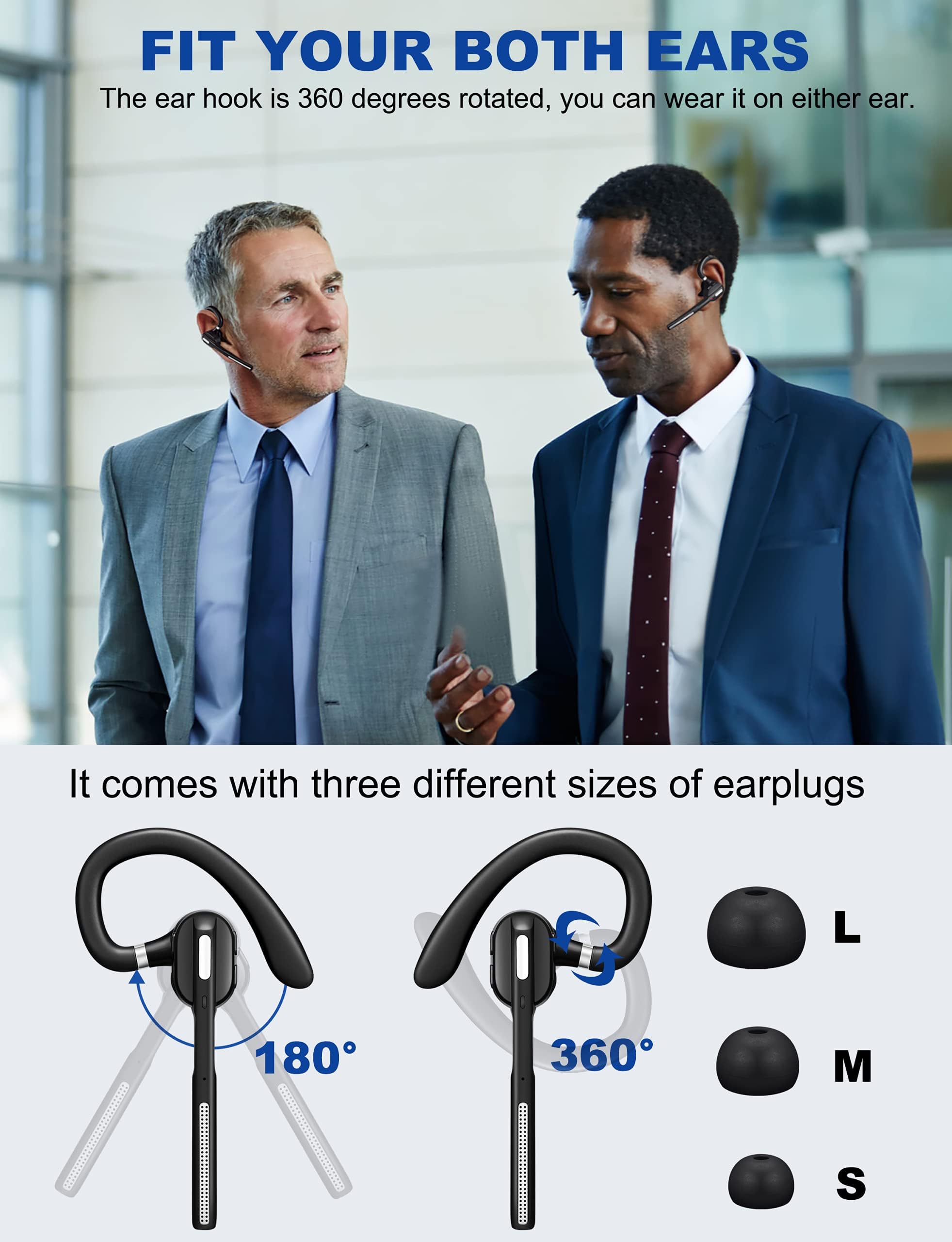
- Comfortable Wearing: This Bluetooth headset with mic is ergonomically designed to fit either ear, with a retractable ear hook and a rotating flip-boom arm that swivel for a secure and comfortable fit. The lightweight design ensures it can be worn comfortably for extended usage. For a personalized fit, the headset comes with three sizes of soft ear gels (one pre-installed) to provide a snug and secure feel.
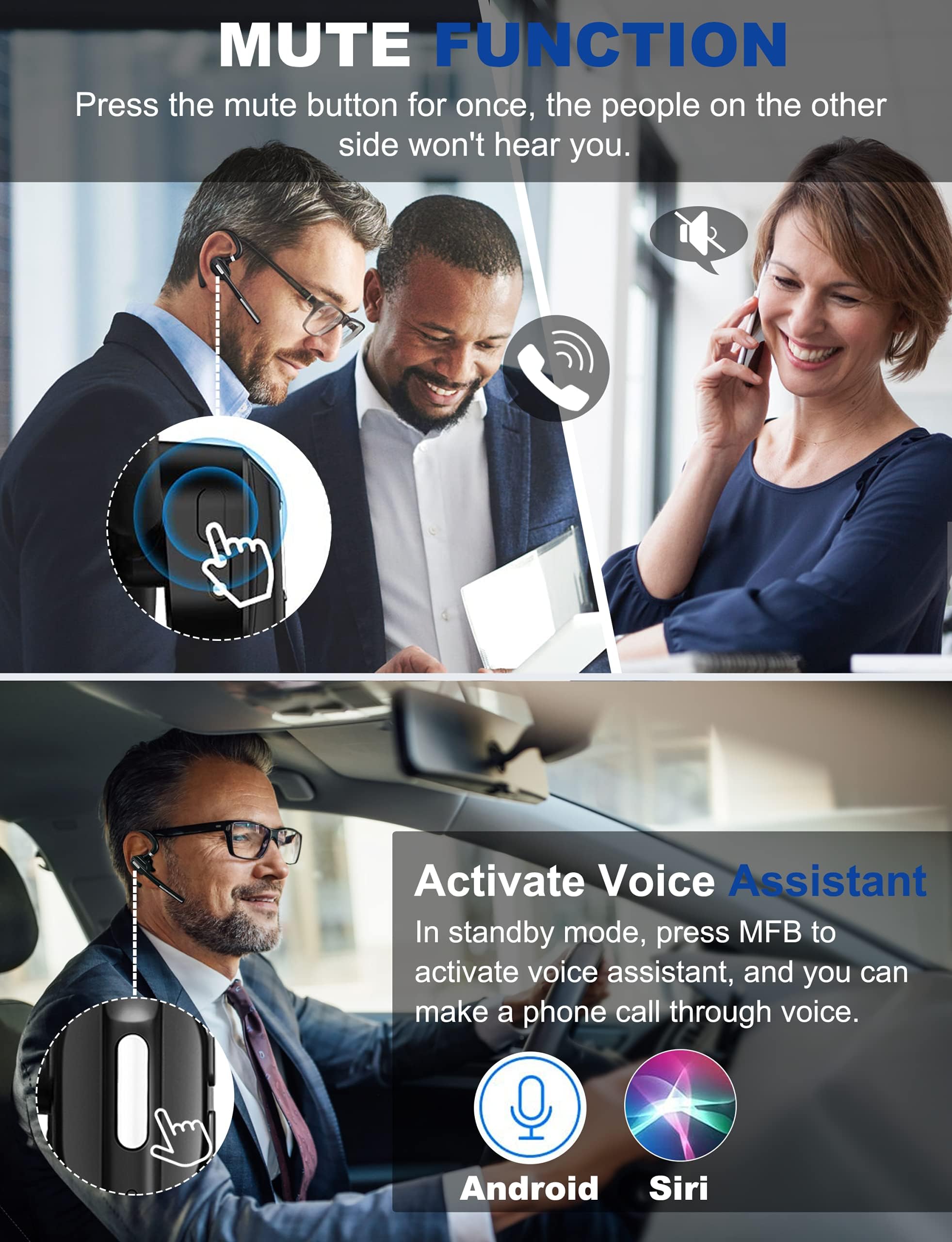
- Flexible Buttons and Hands-free for call: Easily mute or unmute with the touch of a button. Voice prompts provide notifications for battery level, connection status, mute/unmute status, and even announce the caller’s phone number. This Bluetooth headset with mic also supports Siri and other voice assistants, which can be activated by pressing the mute button twice. The easy-access controls ensure a truly hands-free experience.
- Easy to Use: Just take the Bluetooth headset out of the charging case, it will automatically enters the pairing status, turn on your Bluetooth on your phone and choose”G5”, and it will be connected with your cell phone.
| Compatible Devices | Laptops, Cellphones |
| Manufacturer | Dechoyecho |
| Unit Count | 1 Count |
| Specific Uses For Product | Professional |
| Control Method | Touch |
| Controller Type | Button |
| Brand | DECHOYECHO |
| Control Type | Touch Control |
| Number of Items | 1 |
| Connectivity Technology | Bluetooth |
| Model Name | Dechoyecho Bluetooth Headset V5.1 |
| Water Resistance Level | Water Resistant |
| Theme | Communication |
| Colour | Black |
| Impedance | 20 ohm |
| Item Weight | 120 g |
| Customer Package Type | Ffp |
| Audio Driver Type | Dynamic Driver |
| Bluetooth Range | 33 Feet |
| Age Range Description | Adult |
| Model Number | G5 |
| Style Name | Modern |
| Additional Features | Waterproof, Microphone Included, Noise Cancellation, Wireless |
| Built-In Media | User Manual, Charging Case, Eartip, Bluetooth headset |
| BuiltIn Media | User Manual, Charging Case, Eartip, Bluetooth headset |
| Product Type | Single Ear Bluetooth Headsets |
| Enclosure Material | Plastic |
| Battery Charge Time | 1.5 Hours |
| Antenna Location | Calling |
| Headphone Jack | 2.5 mm Jack |
| Headphones Ear Placement | In Ear |
| Earpiece Shape | Ear hook |
| Noise Control | Sound Isolation |
| Battery Average Life | 40 Hours |
| Bluetooth Version | 5.1 |
| Cable Features | Without Cable |
| Carrying Case Color | Black |
| Carrying Case Material | Plastic |
| Wireless Technology | Bluetooth |
| Headphone Folding Features | In Ear |
| Carrying Case Battery Capacity | 500 milliamp_hours |
-
Save 10% when you buy two or more items.
-
Get 5% off your next purchase.
-
Enjoy free delivery on orders above $200.
-
Orders are processed and shipped from Washington


3-6 days (Domestic)



Confidence-backed purchases with 30-day return support.

USD |
BRSW2FAFOIBGCELJ |
Category |
Accessories , Single Ear Bluetooth Headsets |
Tags |
Estimated shipping
Select a product to estimate shipping.Clear Calls and Voice Assistant
Make convenient, hands-free calls. Over-ear control buttons give ultimate convenience when you want to change volume, tracks, or answer/hang up phone calls.
Volume Control:
For IOS: Headset volume and IOS device volume are synchronized, so you can modify volume by headset or by the IOS device. For Android: Headset volume and android phone volume are not synchronized.Even if headset volume full blast, you can still increase volume on android phone.
Mute Function:
Please note the mute button can only work on cell phones, if you want to mute while using on PC, please mute through the software you use.
Specifications:
Headset battery capacity: 55mAh
Talk time: 12hours
Music play time: 10 hours
Headset charging time: about 1.5 hours
Charging case battery capacity: 500mAh
Standby time: 240 hours
Bluetooth Version: V5.1
Operating Range: up to 33 feet
How to connect with two devices simultaneously?
1. After pairing with the first device, turn off the bluetooth on first device, the bluetooth headset will enter pairing mode again.
2. Turn on the bluetooth on the second device, then connect it with the bluetooth headset.
3. Turn on the bluetooth on first device.
4. Turn off the bluetooth headset and turn it on, it will automatically connect with two devices
Tips to help you get a better experience:
1. Our bluetooth headset only work with computers that have Bluetooth function. But you can use a bluetooth dongle if your computer has no Bluetooth function.
2. Poor sound quality and Bluetooth connection occur sometimes when Bluetooth Driver is not updated to the latest version.
3. The buttons on the bluetooth headset only work while using with cellphones. If you need to mute on Skype or other softwares on PC, please mute/unmute through the software you are using.
How to connect with computer?
Step 1: Download a bluetooth driver depends on your computer system and update it to newest version.
Step2: Plug in the Bluetooth dongle, at this point, the gray Bluetooth icon will turn to blue.(Note: If computers have Bluetooth function, you don't need to use Bluetooth dongle)
Step3: Hold and press ” MFB” button for several seconds till the LED light flashes red and green, the headset will enter paring mode.
Step4: Right click on the computer interface, select the “search” equipment, the headset must be in pairing mode ( LED light flashes red and green) , then the computer will search for all nearby Bluetooth devices and find the "G5" signal
Product details


Shipping & Delivery
At GofinchKart Australia, we aim to deliver your order quickly and safely.
Domestic Shipping (Australia):
Orders are typically delivered within 3–7 business days.
International Shipping:
Estimated delivery time is 12–26 business days, depending on the destination and customs processing.
Once your order has been dispatched, you will receive a tracking number. Delivery times may vary during public holidays or due to unforeseen delays.